

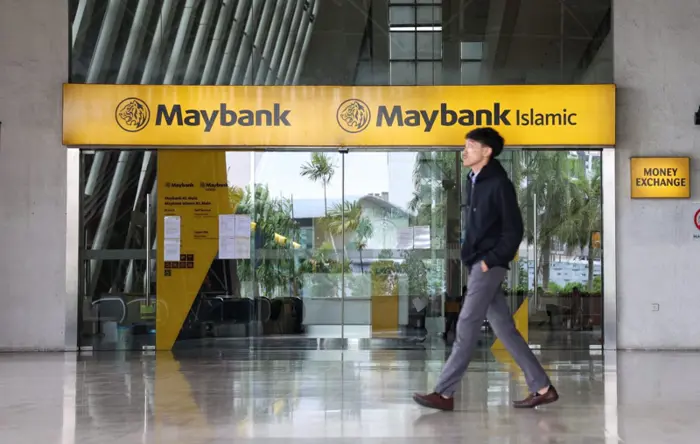
Maybank customers now required to use the MAE app when changing passwords
PETALING JAYA: Maybank2u users are now only able to reset their passwords through the MAE mobile app, following a change that took effect on Sept 18, with the bank citing greater security for the change.
The new password reset process will only apply to those with an Individual or Sole Proprietary account with the bank, with M2UBiz and M2E users remaining unaffected.
Maybank users who wish to update their passwords can do so via the MAE app by going to the settings menu, selecting “Security”, and then tapping on “Change Password”.
They will then be prompted to enter their current password before being able to set a new one.
Meanwhile, those who have forgotten their password can reset it by tapping on “Forgot Password” or “Forgot Login Details” at the login screen and verifying their identity with Secure2u.
They will need to verify their account using the same method chosen during Maybank2u registration – such as a debit card, credit card, MAE wallet number or access number – before scanning their NRIC or passport and taking a self-portrait for authentication.
After that, users can set their new password and verify the change using Secure2u. It is worth noting that a password reset can only be performed once every 24 hours. Those who fail three verification attempts will also be hit with a 24-hour block.
Maybank customers who do not have access to Secure2u due to having lost their enrolled device will need to obtain a new temporary M2u pin from a Maybank ATM or branch.
The pin, which will only be valid for 48 hours, can then be used to regain access to an account and to enrol a device in Secure2u.











Leave a Reply